Video Guide
1. Go to Back Office > Products
- Composite product contains a collection of other products which you can sell as a whole.
- Go to Back Office > Products.
2. Create Components of the Composite Product
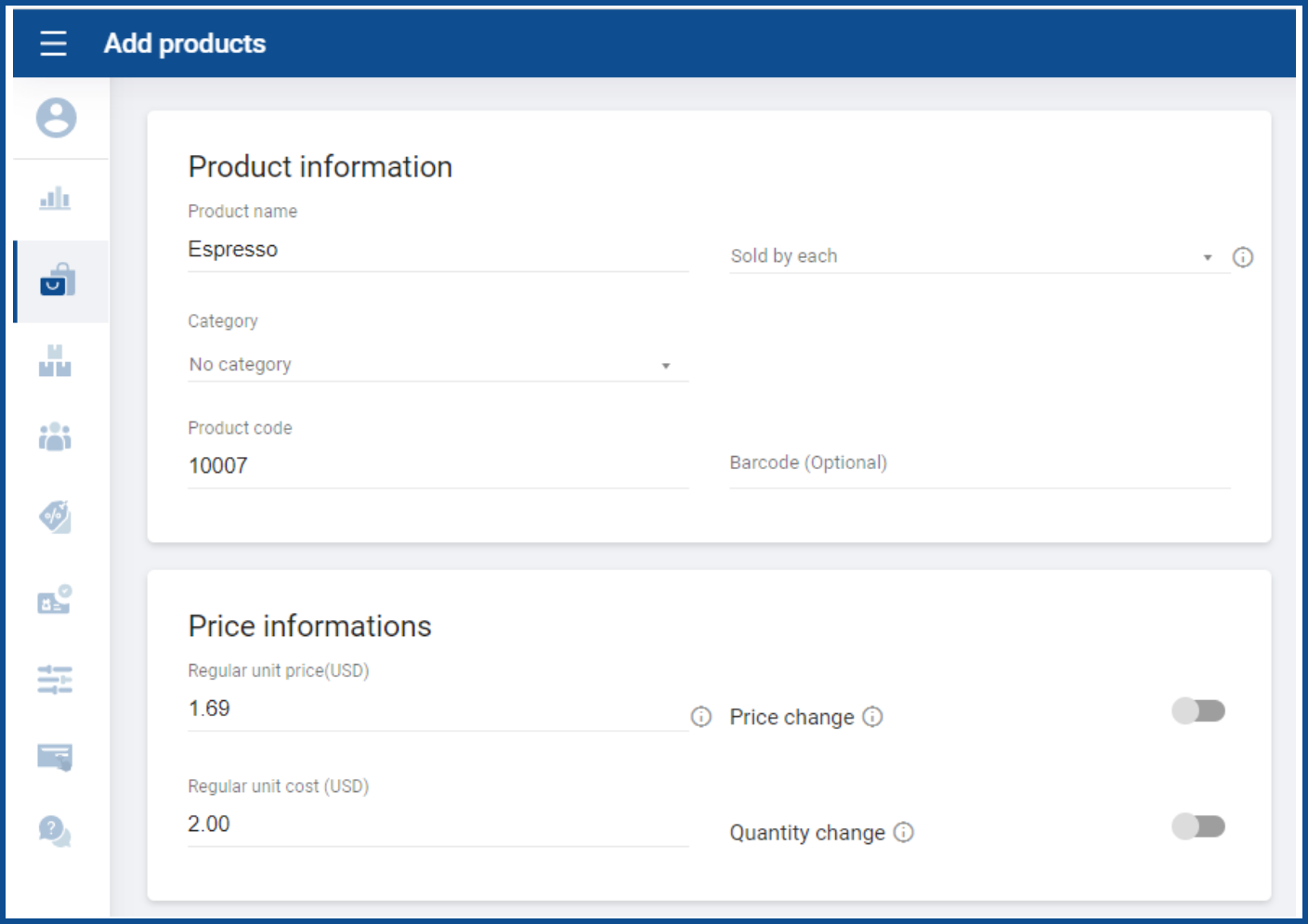
- To add a new component product, click ‘Add product’.
- Enter the name and other details of the product.
3. Mark Product as Ingredient (Optional)
- If the product is not available for sale, select ‘Ingredient product’ from additional options.

4. Create the Composite Product
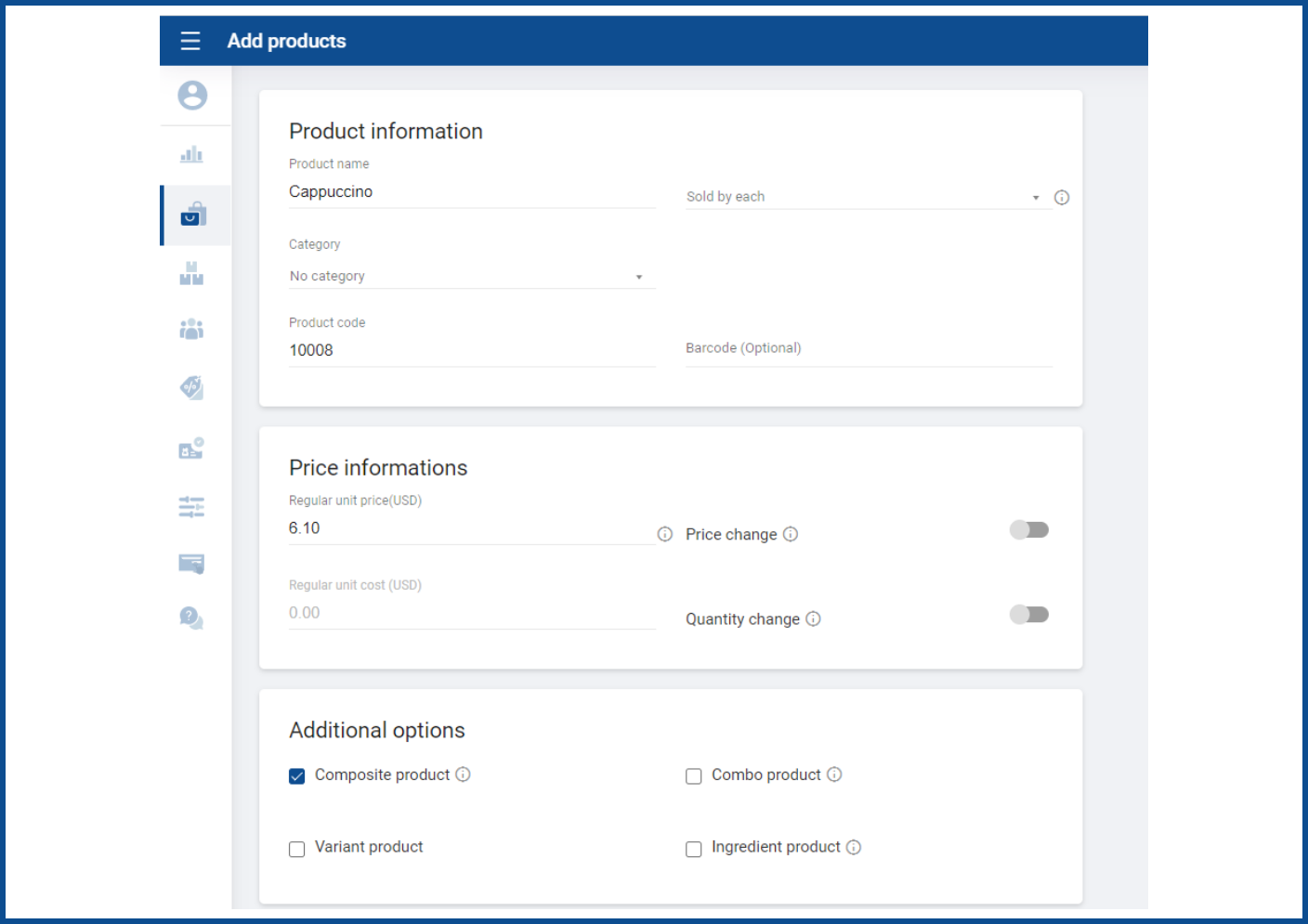
- After you have all the components, create the composite item by clicking the ‘Add products’ button again.
- Select ‘Composite product’ option from the additional options.
5. Add Component Products
- Add component products one by one by searching for them in the product list.
- The regular unit cost of the composite product will be calculated based on the quantity and cost of all components.

6. Save the Composite Product
- Save all the details.
