Special Note
- If you wish to modify the initially established formats, kindly reach out to SalesPlay support team for assistance and necessary adjustments.
Decimal and Comma Separators, Number of Decimals
- The decimal separator and comma separator are used to format and interpret numeric values.
Decimal Separator
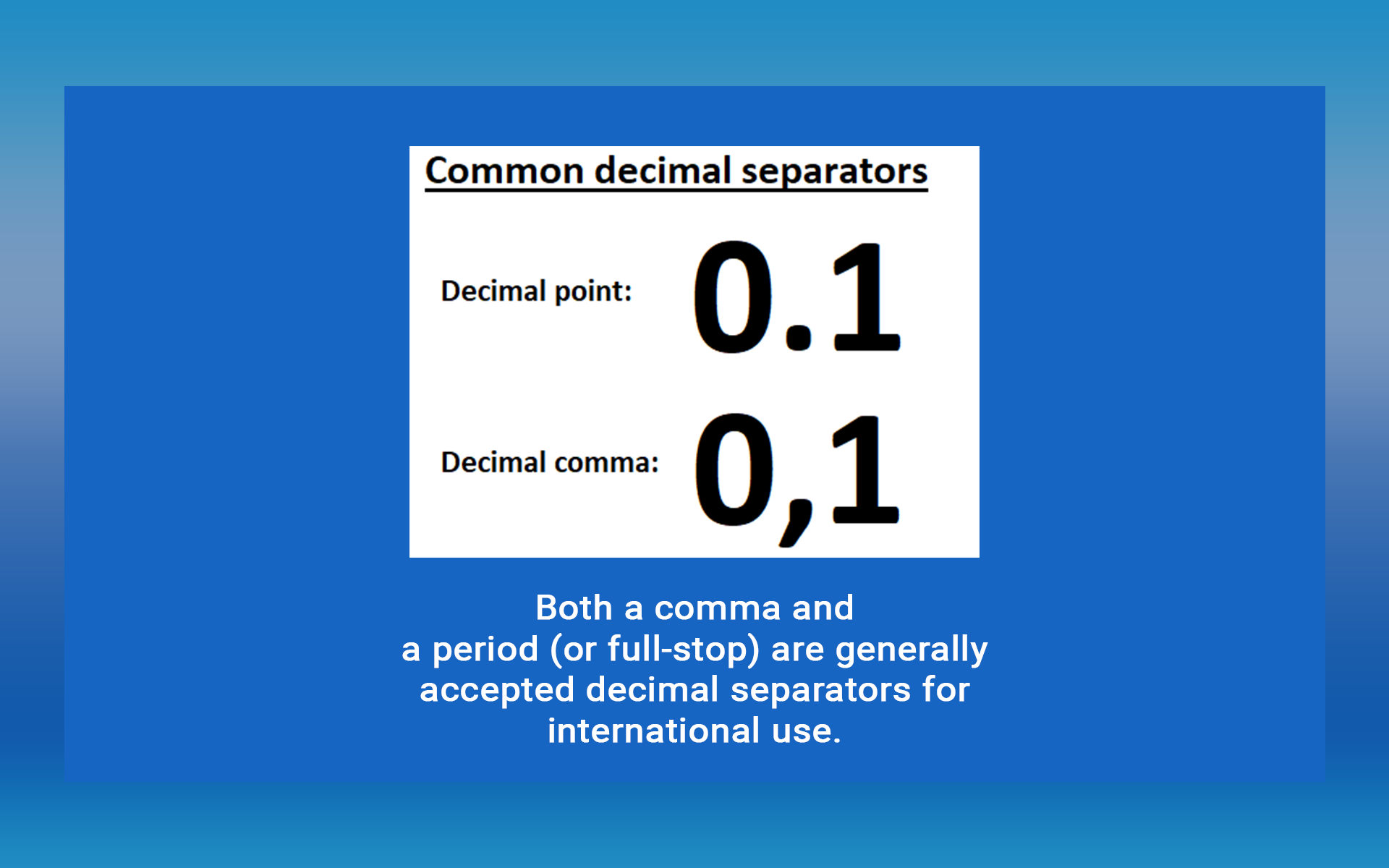
- The decimal separator is used to separate the whole number part from the fractional part of a number.
- Example:
- In many countries, the decimal separator is a period (.) — e.g., 10.99
- In several other countries, a comma (,) is used — e.g., 10,99

Digital Group Separators
Comma Separator
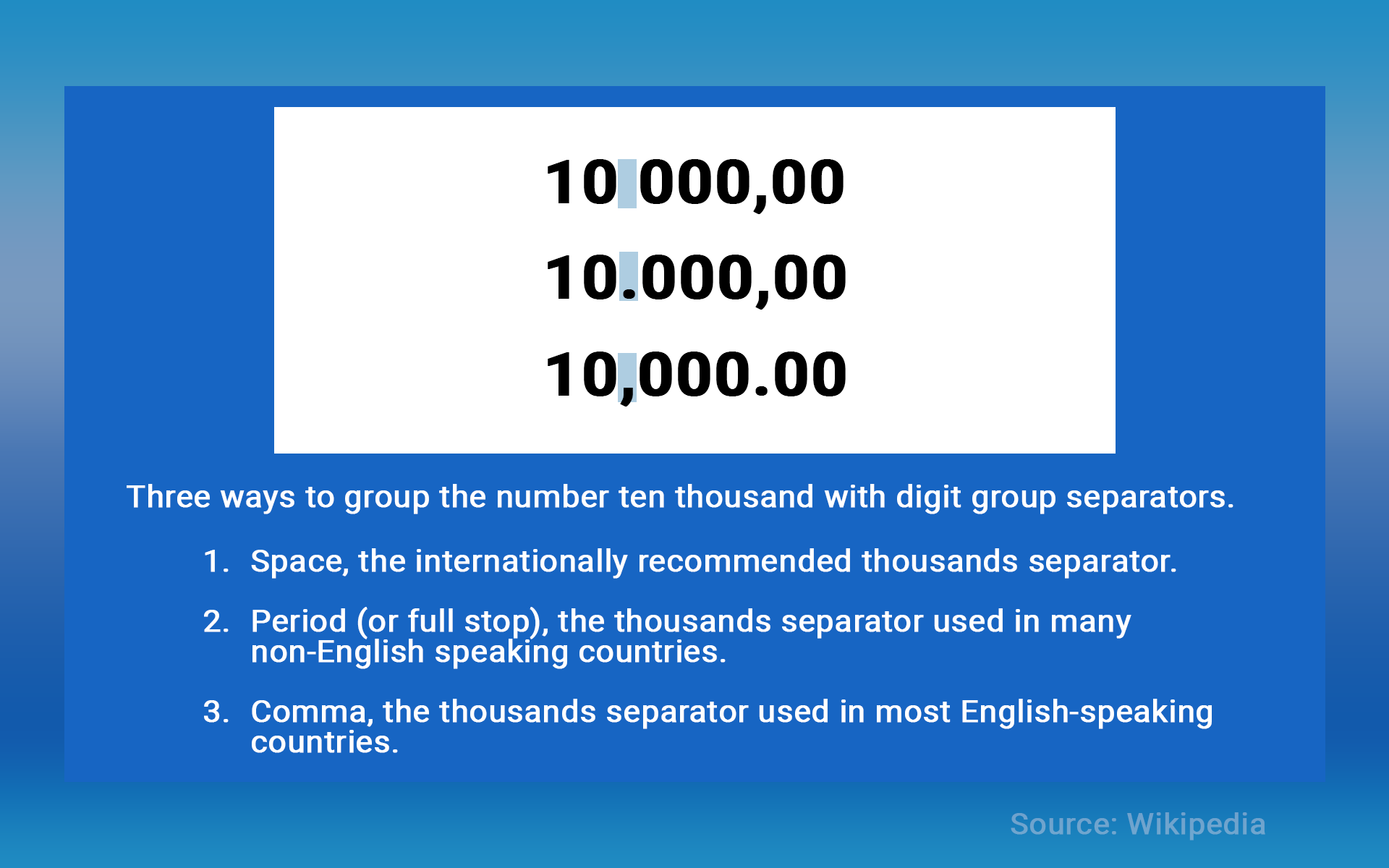
- The comma separator is used to separate thousands, millions, and larger numeric groups.
- Examples:
- 1,000 represents one thousand.
- 1,000,000 represents one million.
- In some countries using the comma-period format, the dot/period is used as the thousands separator:
- 1.000 represents one thousand.
- 1.000.000 represents one million.
Modifying Initially Established Formats
- During registration, SalesPlay allows users to input the country name where the system is set up.
- The system will automatically set decimal and comma separators, along with the preferred number of decimals.
- If you need to modify these initial formats, contact the SalesPlay support team for assistance.