What Is the Sales Summary Report?
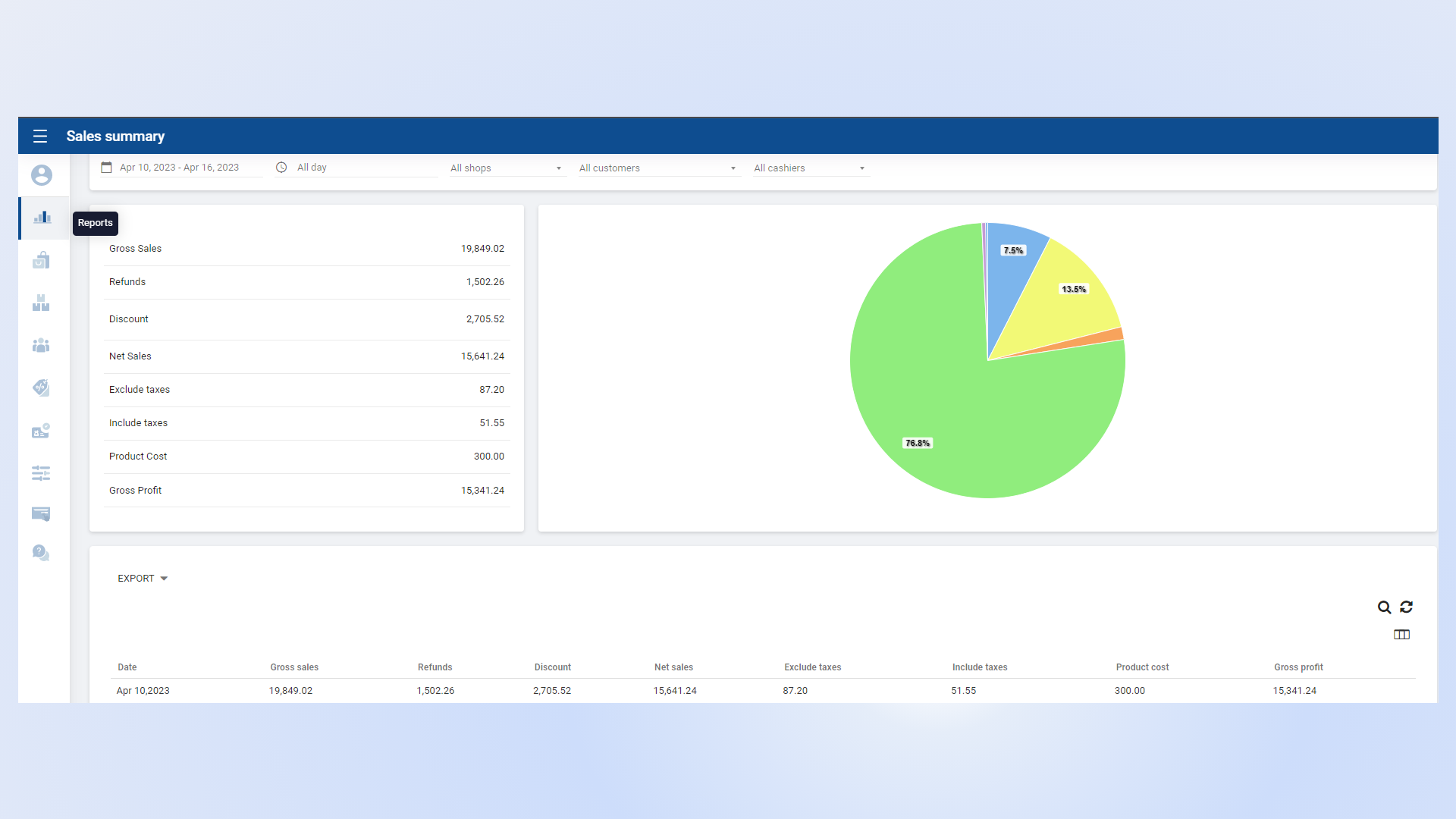
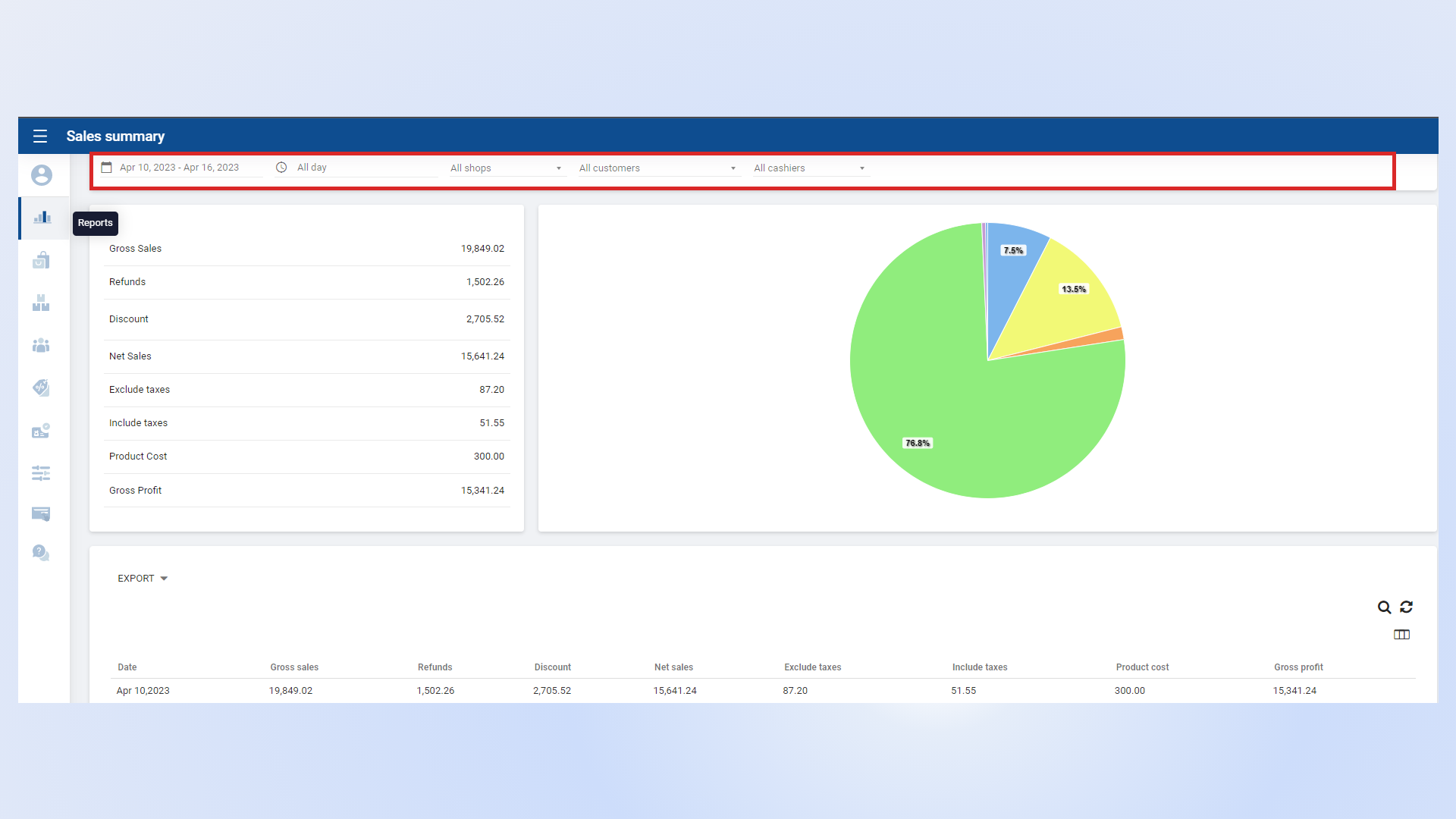
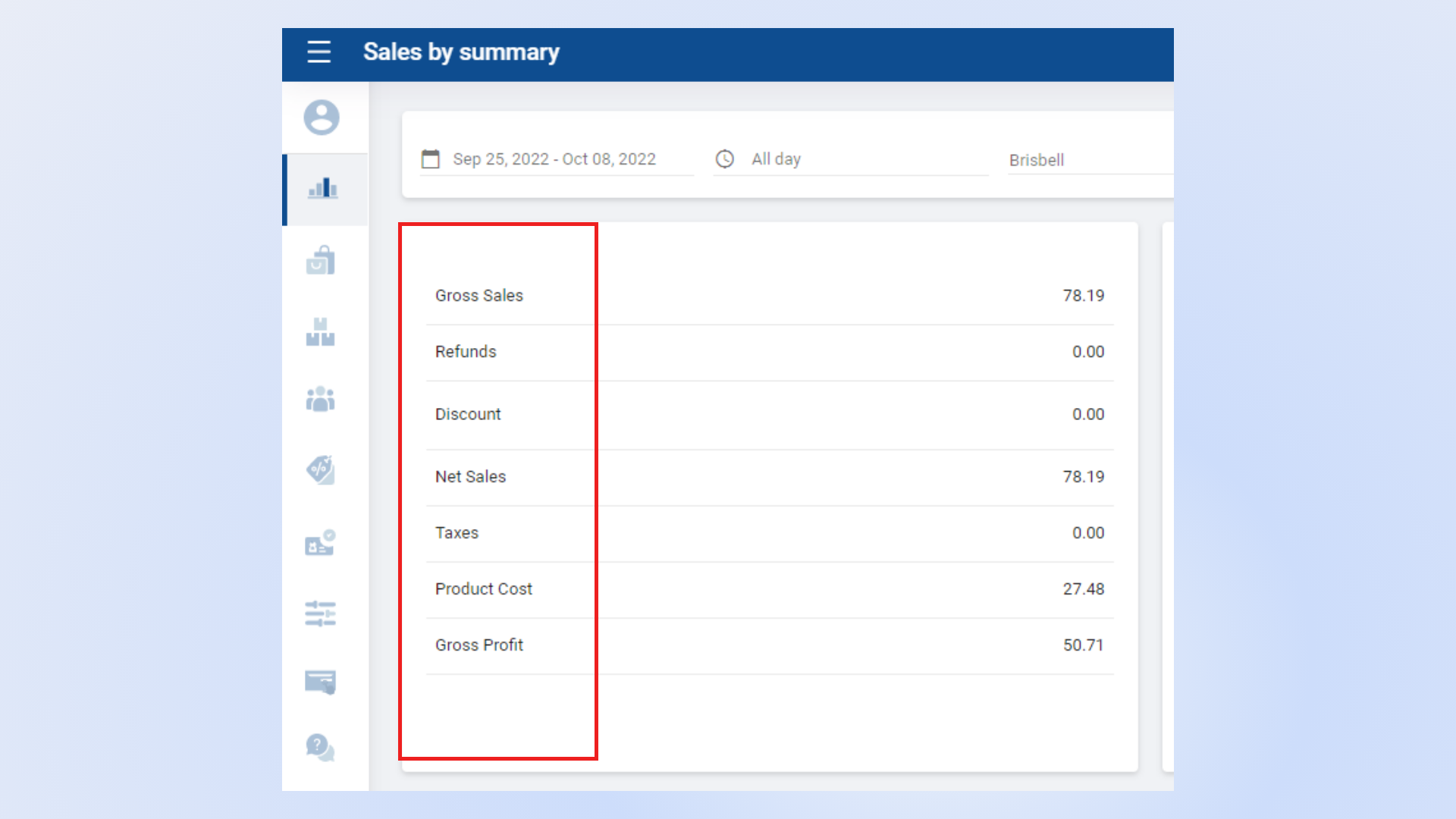
- The Sales Summary Report provides an overview of business sales performance over a selected period.
- It consolidates key sales data and performance metrics in one place.
- This report helps management and stakeholders evaluate sales effectiveness and make informed business decisions.
- View total sales revenue generated during the selected period.
- Analyze transaction counts and average sales value.
- Monitor overall sales trends to identify growth opportunities.
Payment Method Summary
- Review sales categorized by payment methods such as cash, card, or other payment options.
- Ensure accurate reconciliation of payment collections.
Product Sales Summary
- Analyze product-level sales performance.
- Identify top-selling and low-performing products.
- Use insights to optimize inventory and pricing strategies.
Additional Sales Insights
- Gain a deeper understanding of overall business performance.
- Track trends and patterns to support strategic planning and forecasting.